Skip to content

The POS that runs your whole restaurant.

SOG POS runs table and QR orders, the till, the kitchen screens and the books, in one system.

Book a demoSee features

Our flagship

From the table to the books, in one system

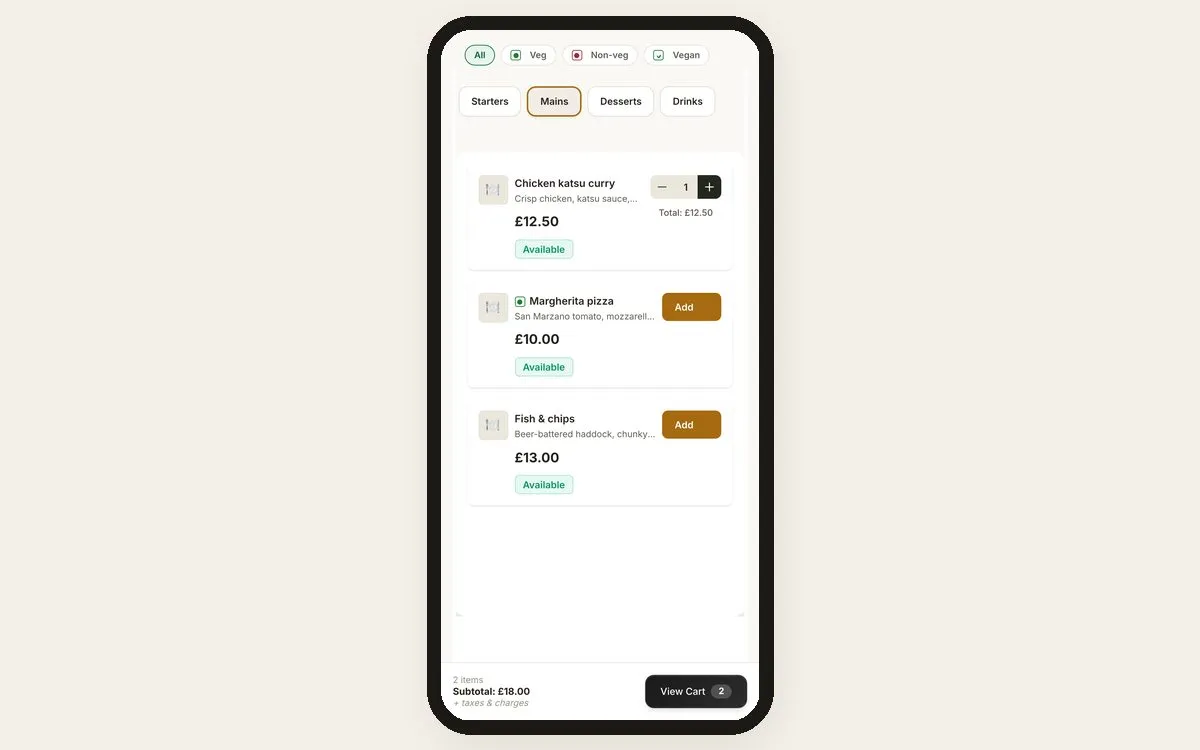
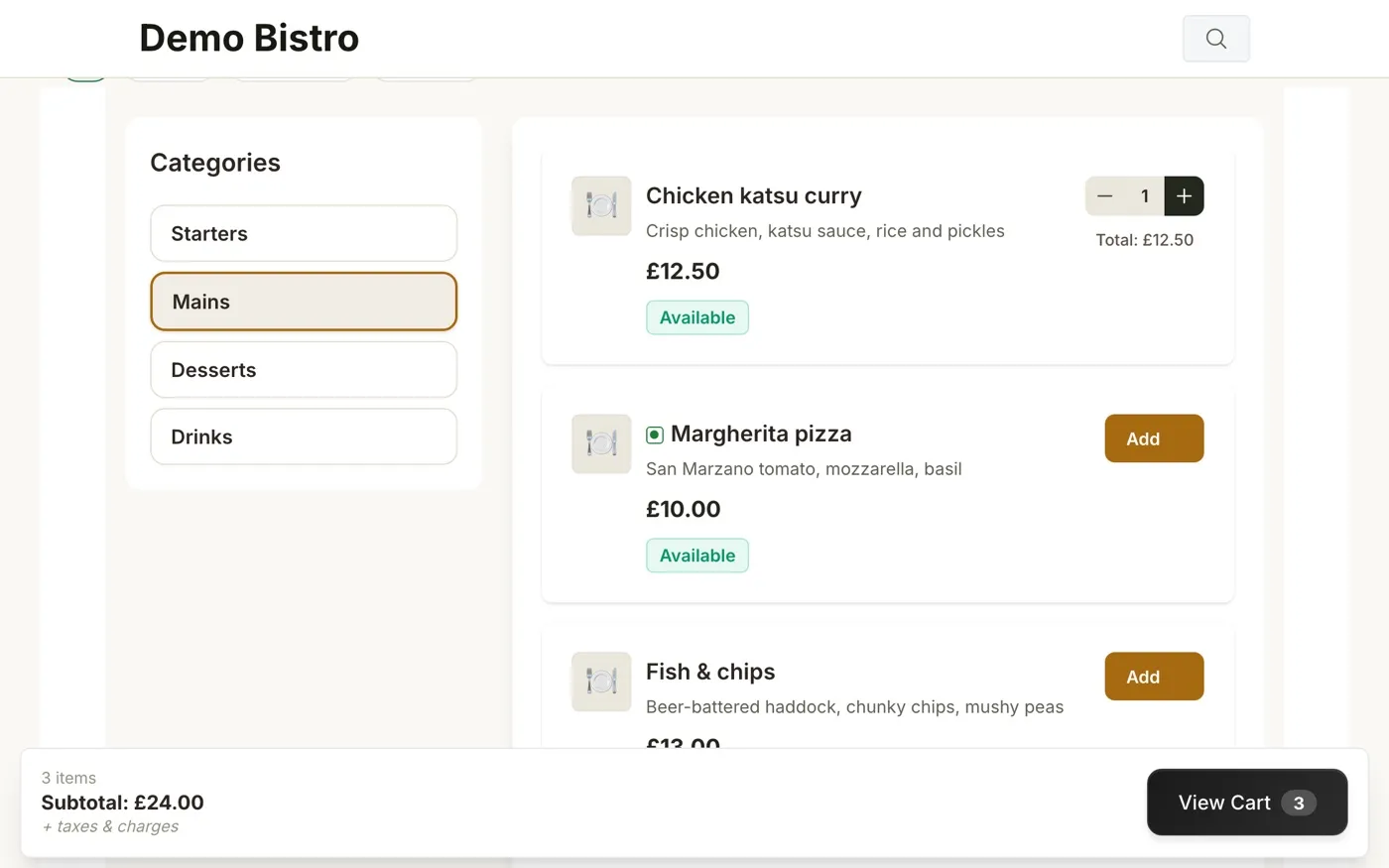
SOG guest menu: categories, dishes with prices, basket with three items

Flagship · in production

SOG POS

SOG = Scan, Order & Get

QR ordering, a dual-screen till and a kitchen display, working as one.

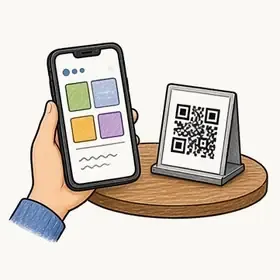
  • QR ordering at the tableGuests scan a table QR, browse the menu and order from their phone.
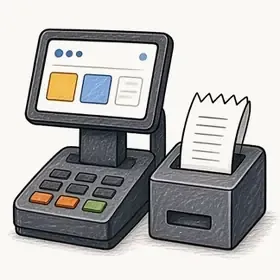
  • Dual-screen tillCounter till with a customer-facing second screen, plus receipts with VAT shown.
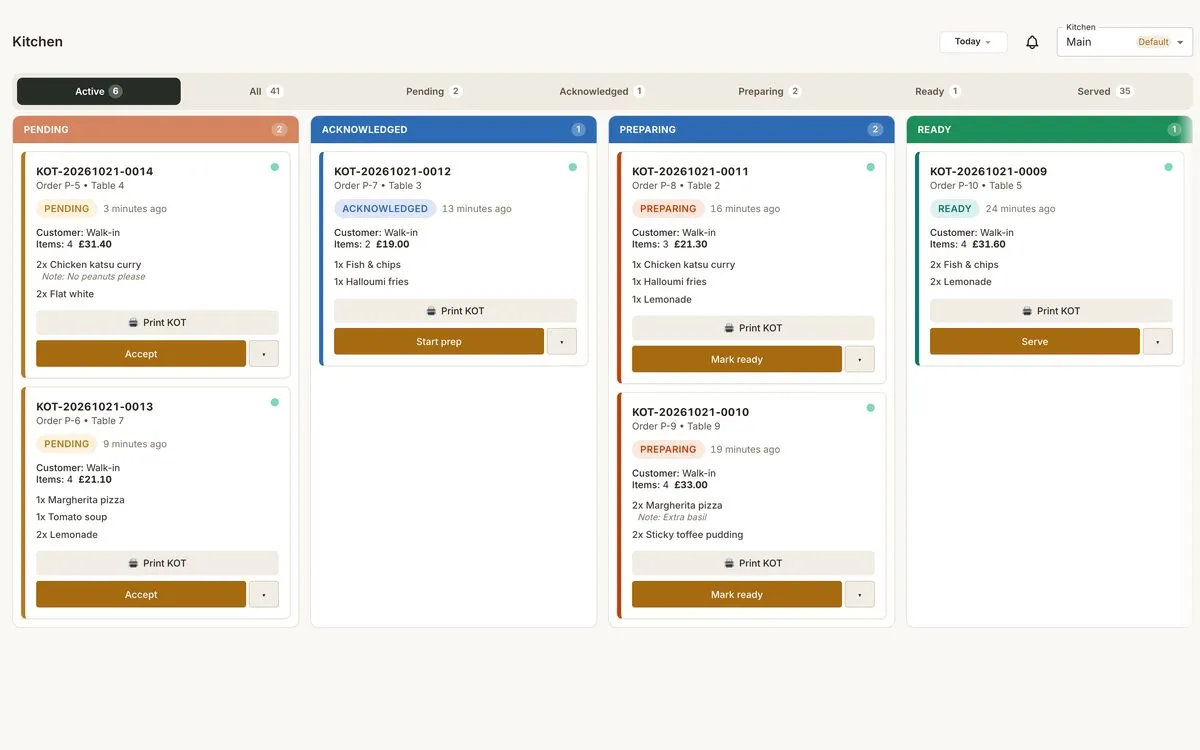
  • Kitchen display, one queueWeb and till orders arrive on one screen with per-station routing.
  • Tables & reservations
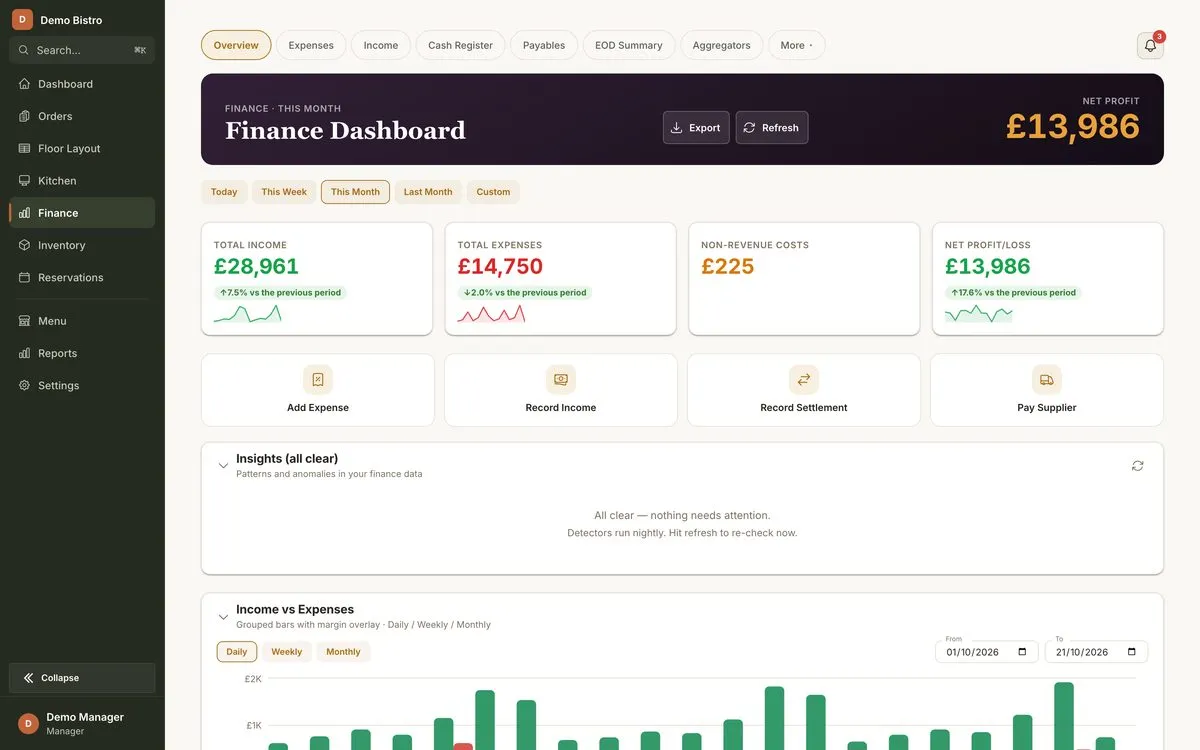
  • Finance built in
  • Delivery-app payouts
What SOG POS does

Built for the whole restaurant

Front of house

  • QR table ordering

    Guests order from their own phone.

  • Waiter ordering

    Take orders on a phone or tablet.

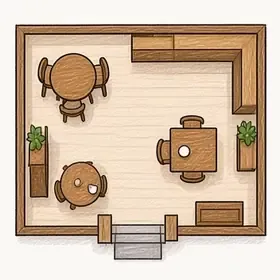
  • Floor plan and tables

    Live table status; join tables.

  • Reservations

    Daily and weekly booking calendars.

  • Delivery tracking

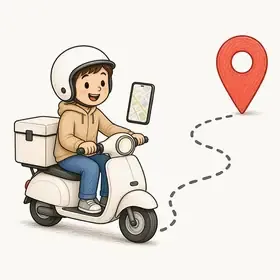
    Assign riders, follow them on a live map, share a tracking link.

Till and kitchen

  • Dual-screen till

    Customers see their total as it builds.

  • Kitchen display

    Live status and timings per ticket.

  • Kitchen tickets and printers

    Route items to the right printer.

  • Keeps trading offline

    Keeps trading if the internet drops.

Back office

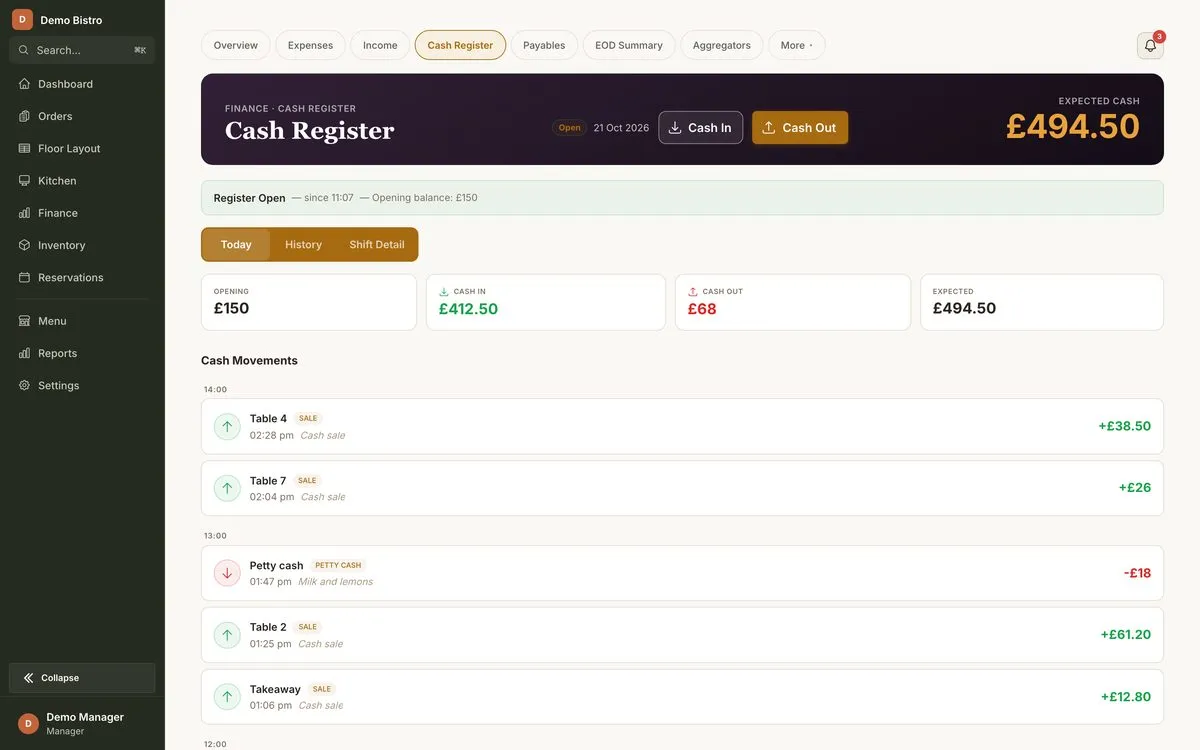
  • Cash register and day-end

    Cash sessions, petty cash, takings.

  • Finance, expenses and VAT

    Profit, expenses and payables.

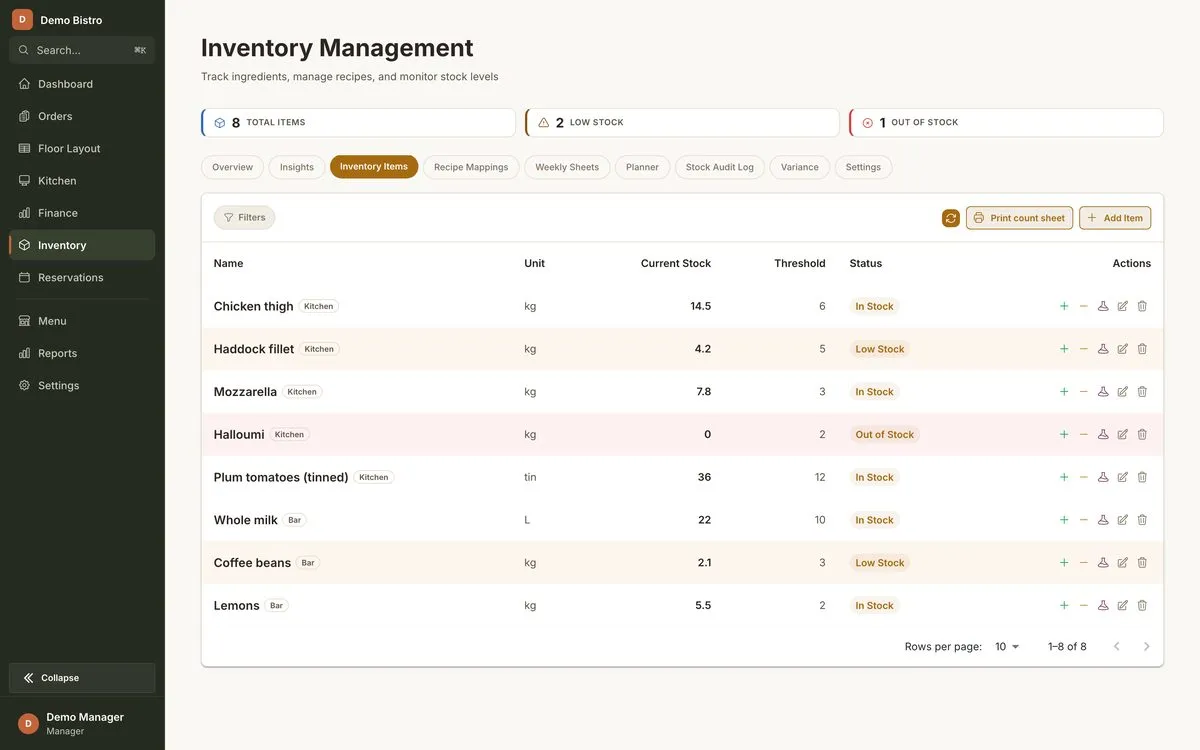
  • Stock and recipes

    Stock counts, recipes and variance.

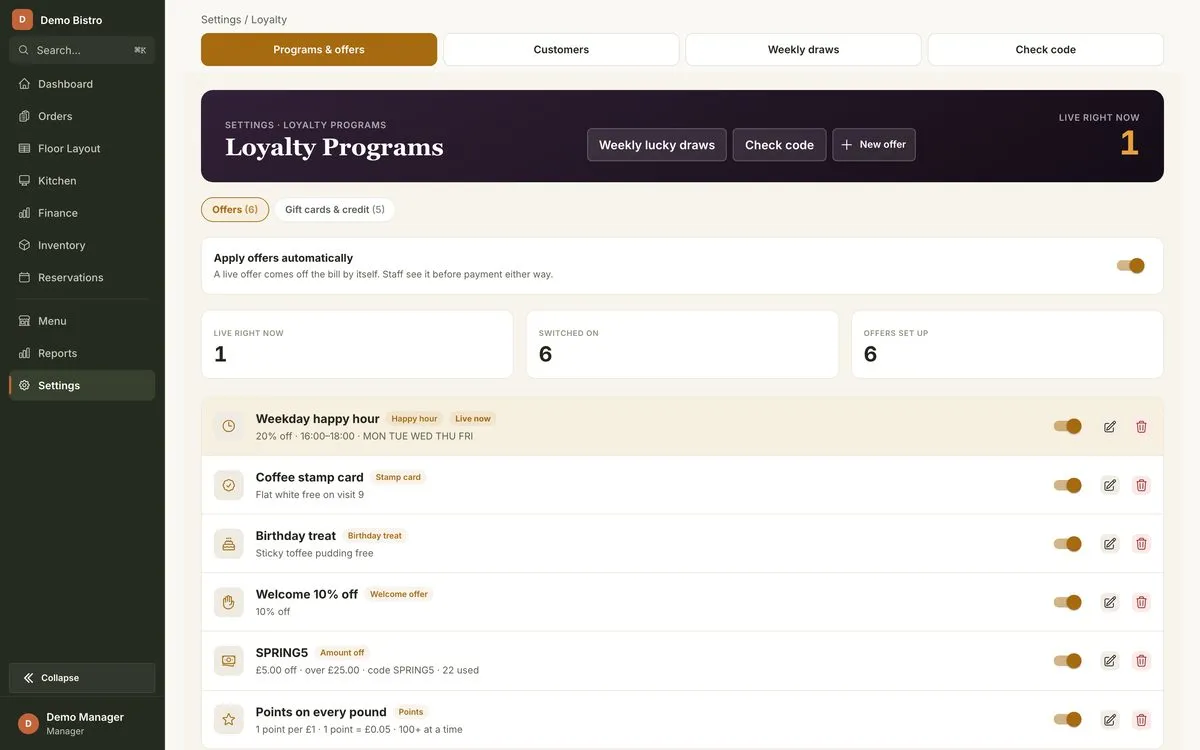
  • Customers and loyalty

    Loyalty, vouchers and offers.

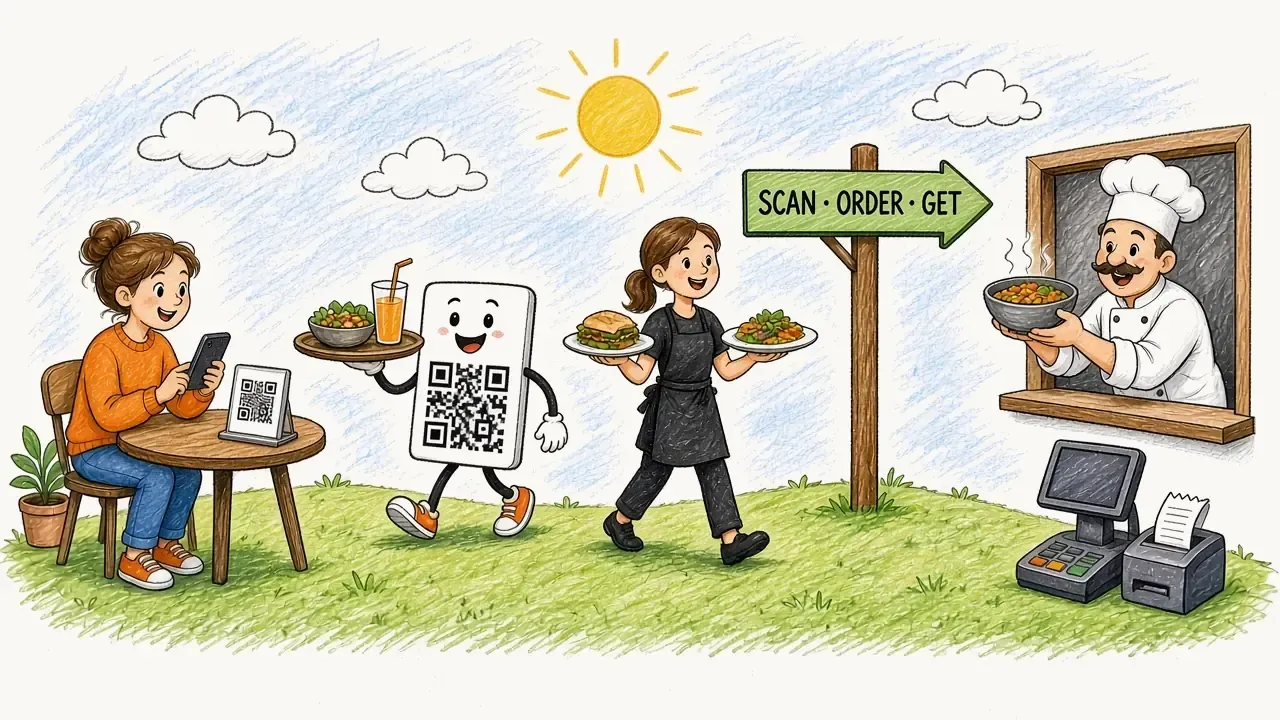
Hand-drawn scene: guests scan a QR code, a mascot and steward carry food, a chef works at the kitchen window and the till prints a receipt

How it works

Scan. Order. Get.

Three steps from the table to the kitchen, with the books kept along the way.

  1. Scan

    Guests scan the QR code on the table.

  2. Order

    They browse the menu and order from their phone. The ticket lands on the till and in the kitchen in seconds.

  3. Get

    The kitchen cooks from one queue and the food arrives at the table. The sale rolls into finance by itself.

Inside SOG POS

Every screen, one system

From the guest's phone to the kitchen, the till and the owner's dashboard.

  • SOG guest menu on a phone: filters, categories and dishes with prices

    Guest QR menu

    Guests browse and order from their own phone.

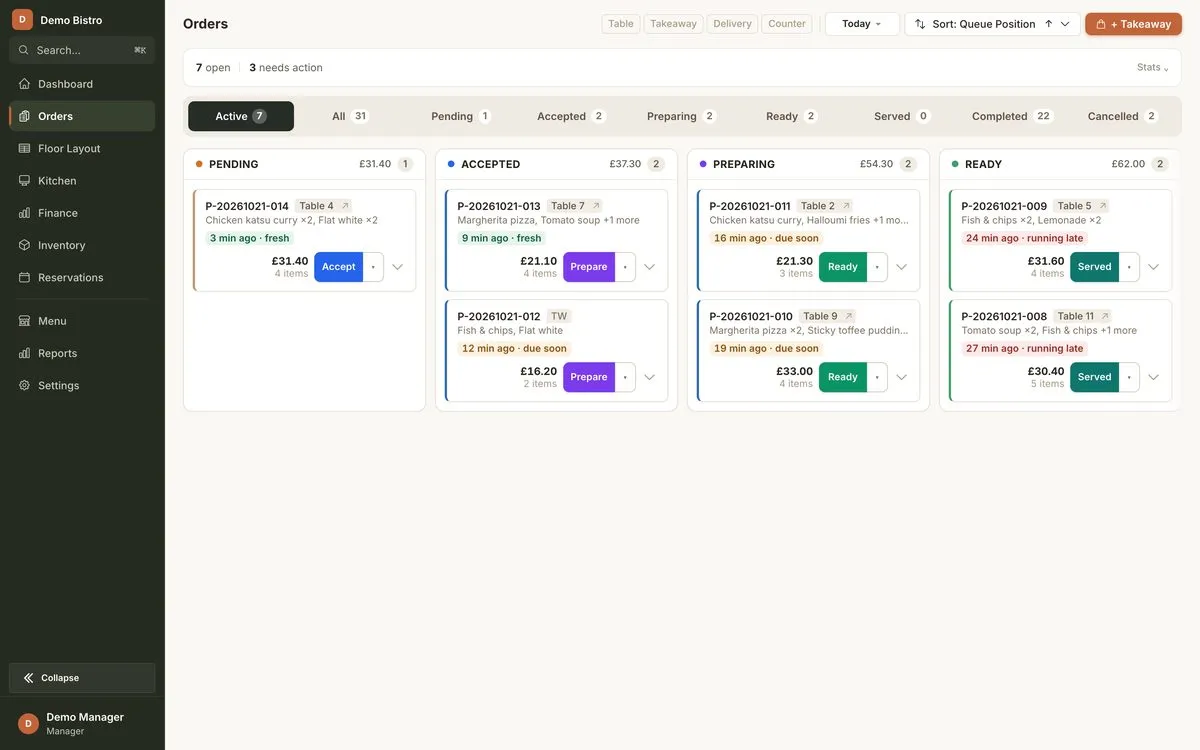
  • SOG live orders board with orders in each status

    Live orders board

    Every order, from accepted to served.

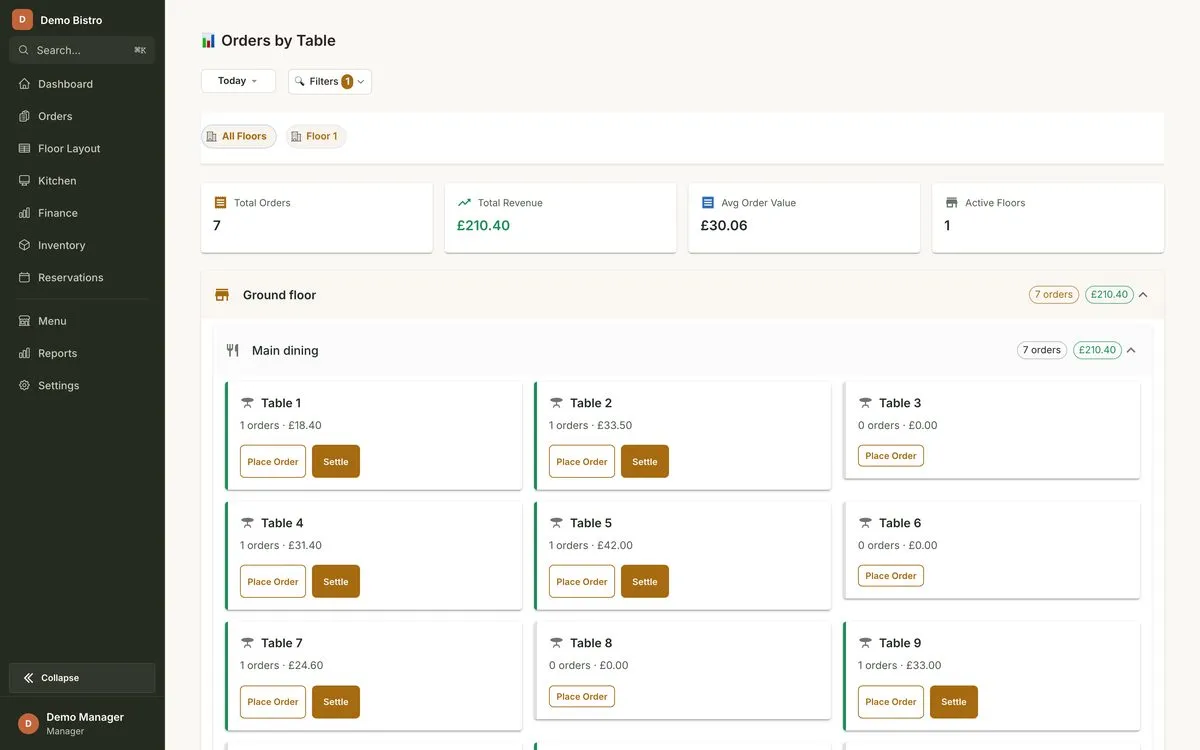
  • SOG orders grouped by table

    Orders by table

    See what each table has ordered.

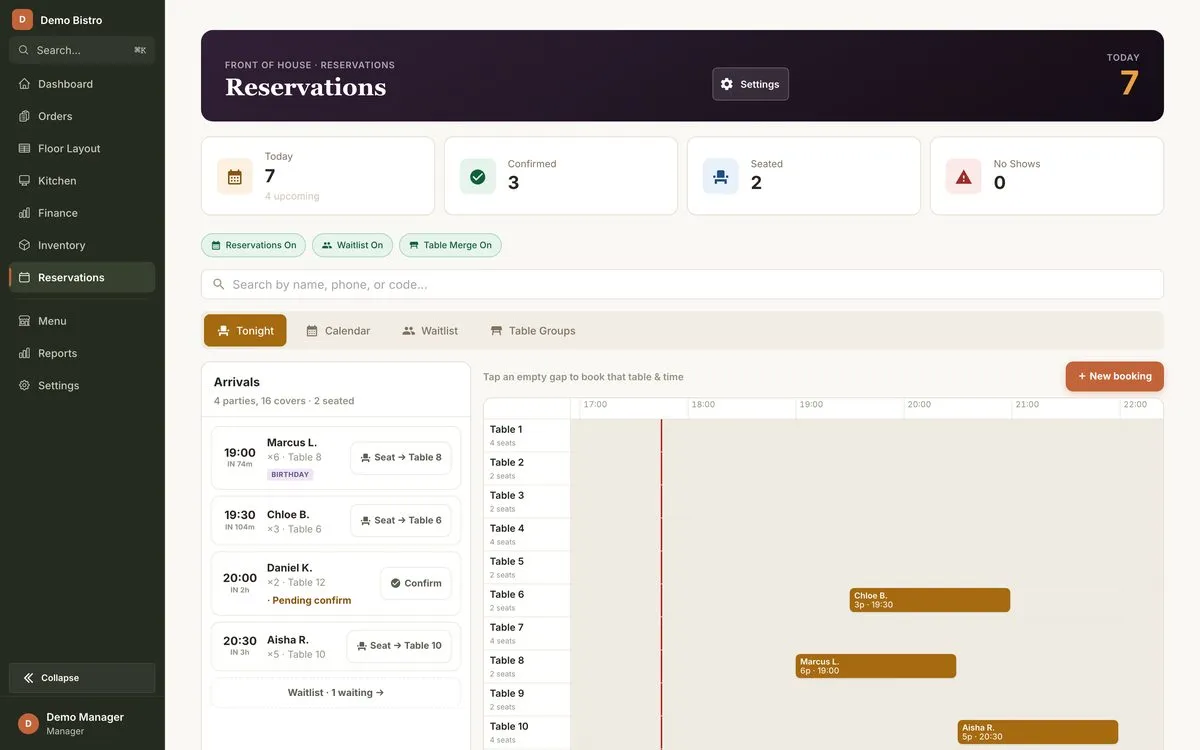
  • SOG reservations: tonight's bookings and a timeline

    Reservations

    Tonight's bookings, with a timeline.

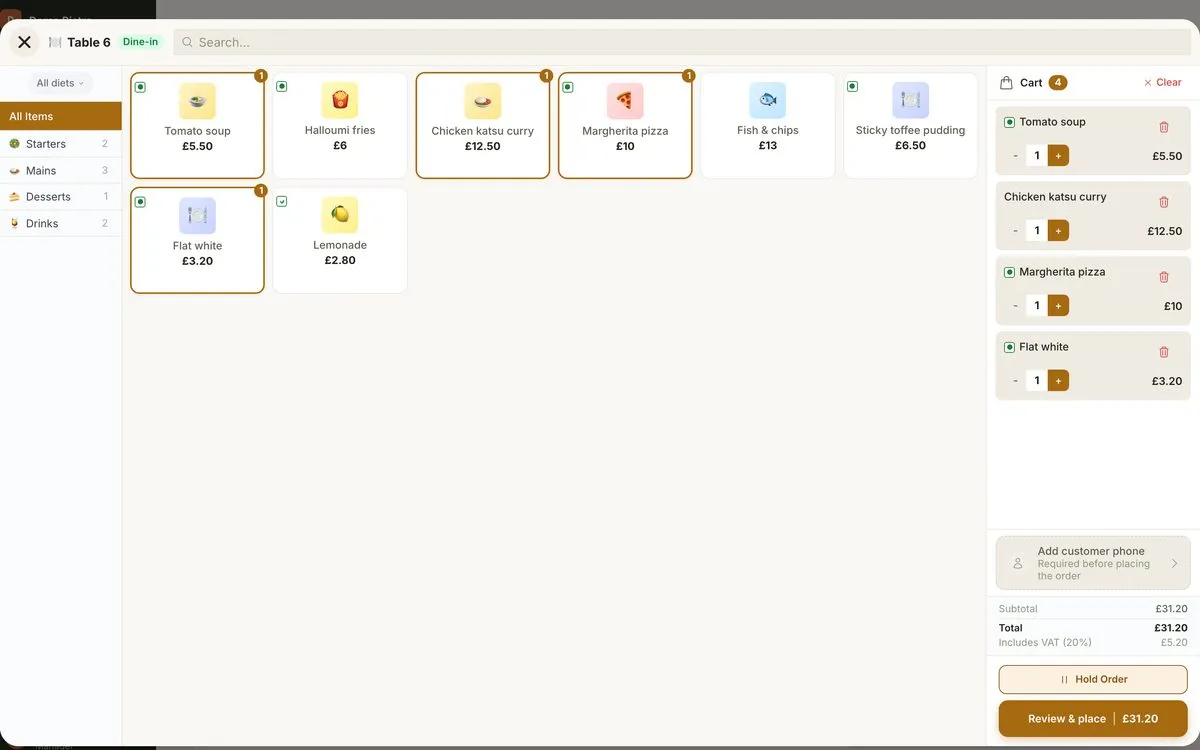
  • SOG till: product grid with a dine-in ticket for Table 6, VAT and total

    Till

    A dine-in ticket for Table 6, with VAT and total.

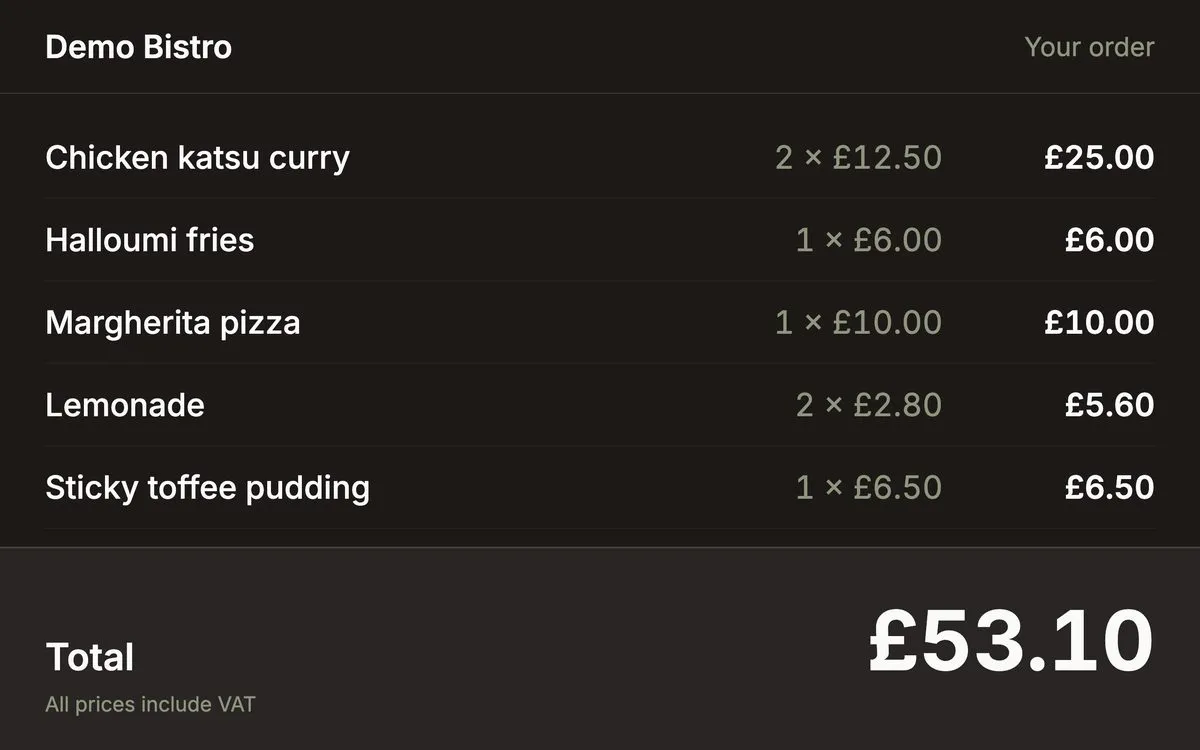
  • SOG customer-facing display showing the order and total

    Customer display

    Customers see their total as it builds.

  • SOG kitchen display: order tickets grouped by status

    Kitchen display

    One queue, tickets grouped by status.

  • SOG cash register session

    Cash register

    Cash sessions and takings.

  • SOG finance dashboard: net profit, income and expense tiles

    Finance dashboard

    Net profit, income and expenses.

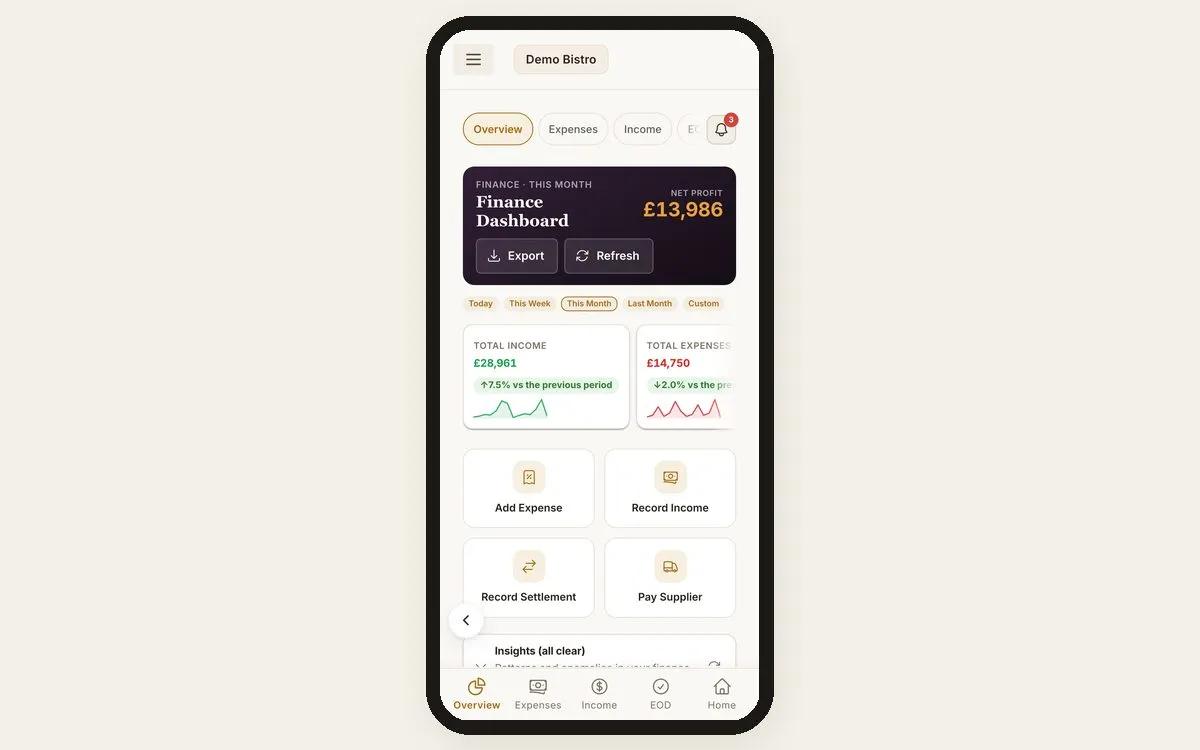
  • SOG finance dashboard on the owner's phone

    Finance on a phone

    The owner's numbers, wherever they are.

  • SOG inventory with low-stock flags

    Stock

    Inventory with low-stock flags.

  • SOG loyalty programmes and offers

    Loyalty and offers

    Loyalty programmes and offers.

Screens shown with demo data.

Donation Kiosk

Unattended giving, receipted to the penny.

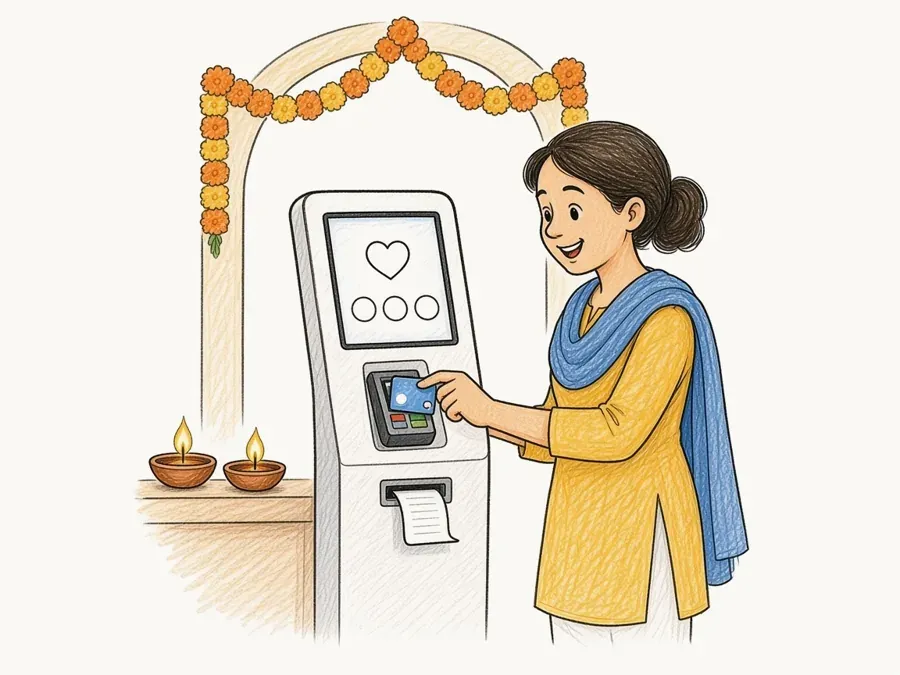
A self-service donation kiosk that stands in a working mandir foyer, takes card payments, prints a numbered receipt and records the Gift Aid declaration, with no volunteer behind it.

  • Gift Aid done properlyThe exact HMRC declaration text is captured on screen and retained for six years.
  • No donation lostEvery gift is saved on the kiosk first and only counts once the server confirms it.
  • Gapless receiptsSequential, thermal-printed and numbered without gaps.
  • Trustee self-serveCauses, campaigns and idle-screen media are managed from a web admin.
Hand-drawn illustration: a visitor taps a card on a donation kiosk in a mandir foyer while a receipt prints

Also from AppIQ

More from AppIQ

In beta

Events Tickets

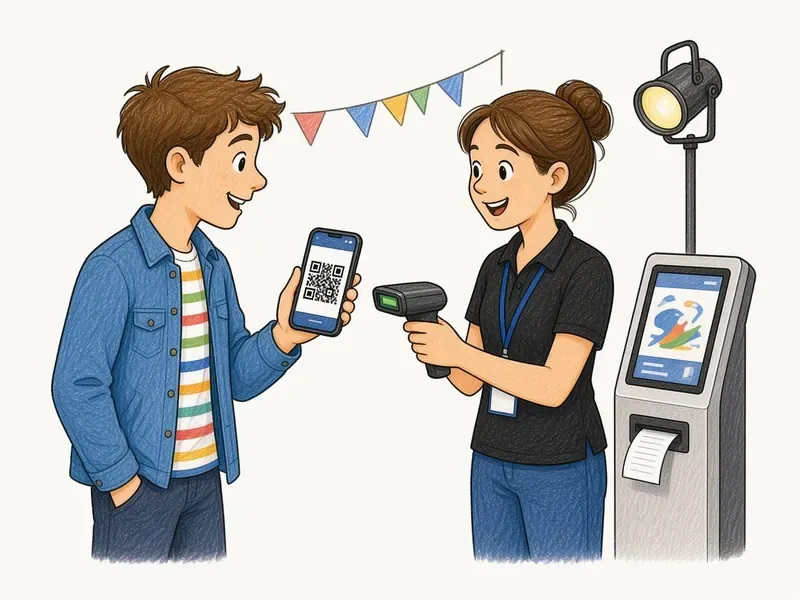
Ticketing for UK events: sell online, at the box office and on self-service kiosks.

  • Tickets and VAT receipts by email, wallet and WhatsApp
  • Seating, refunds and reporting
  • Built so venues keep working with no internet
Talk to us about Events Tickets

In beta

SupplyPal

Deliveries, cash collections and returnable stock for distributors with field staff.

  • Deliveries and cash collections by field staff
  • Returnable products, deposits and inventory
  • Employee shifts
Talk to us about SupplyPal

About AppIQ

Built and run in the UK.

AppIQ is a small software company that builds and runs its systems end to end: the hardware on the counter, the backends on EU servers, and the operations in between.

  • UK-firstVAT, Gift Aid, GBP and UK time built in.
  • EU hostingGDPR-minded, with daily backups.
  • Roles and accessSeparate logins for owners, staff and admins.
  • Run, not just shippedWe operate what we build.

Running a restaurant? Let's talk.

Email info@app-iq.co.uk and we'll get back to you.